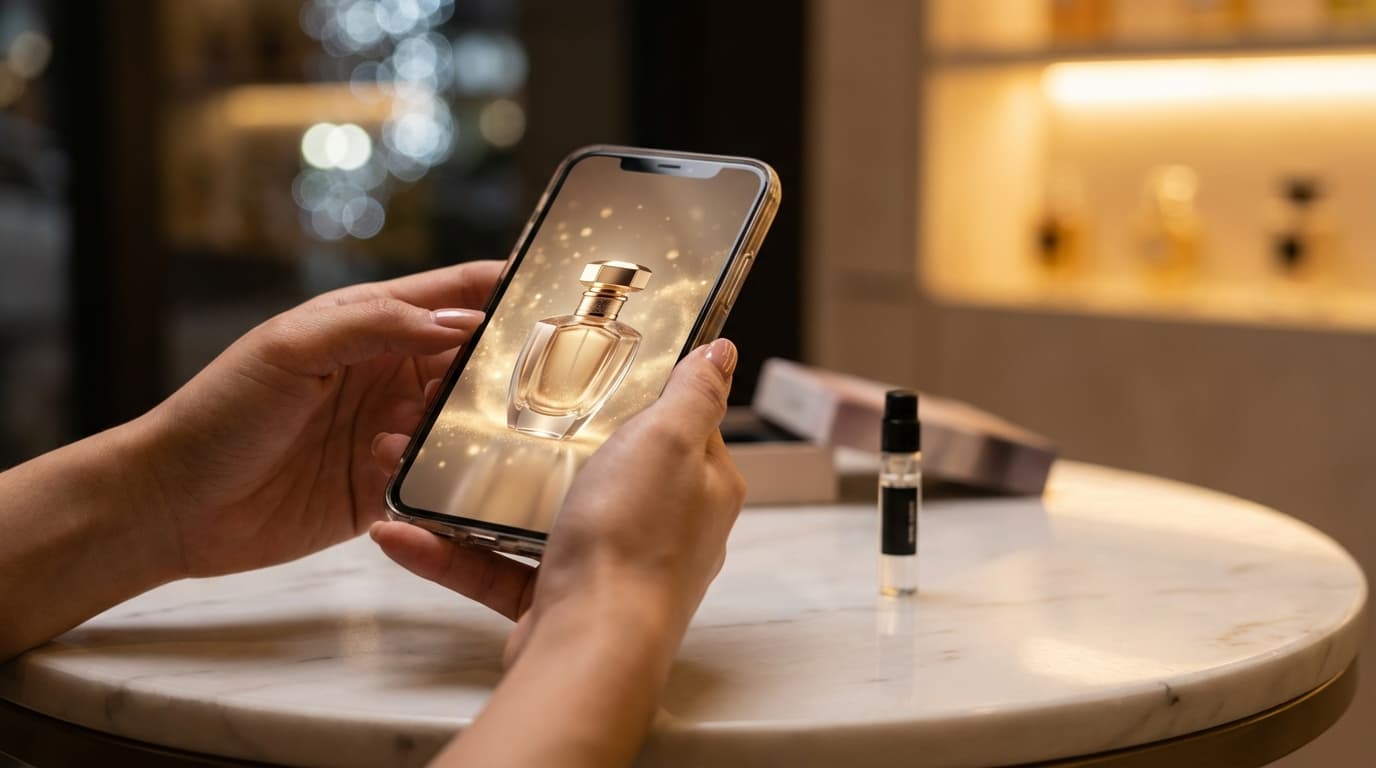
Product photography used to require a studio, lighting equipment, and a photographer. In 2026, you can generate professional product photos with AI in seconds — no camera needed.
This guide shows you how to create AI product photos for e-commerce using Nano Banana 2, with prompts you can copy and use right away.
Why AI Product Photography Works for E-commerce
Traditional product photography costs $20–50 per image when outsourced. For a catalog of 100 products, that's $2,000–5,000 just for photos.
AI image generation flips this:
- $0.03 per image on Nano Banana 2
- 4K resolution — sharp enough for zoom-in views on Amazon and Shopify
- Consistent style — every product gets the same lighting and background
- Instant iterations — change the angle, background, or lighting in seconds
Step 1: Prepare Your Product Description
Before generating, write down:
- What the product is (material, color, size)
- The setting you want (white background, lifestyle scene, flat lay)
- The mood (clean and minimal, warm and cozy, bold and vibrant)
The more specific you are, the better the AI output.
Step 2: Write Your Prompt
Here are proven prompt templates for different product types:
White background (Amazon-style):
Professional product photo of [your product] on a pure white background. Studio lighting, soft shadows, ultra-sharp detail, 4K resolution. Commercial photography style.
Lifestyle scene:
[Your product] placed on a wooden table in a cozy kitchen, morning sunlight streaming through the window. Shallow depth of field, warm tones. Shot on 85mm lens.
Flat lay:
Top-down flat lay of [your product] surrounded by complementary items on a marble surface. Soft even lighting, minimal shadows. Editorial style photography.
Hero shot:
Close-up hero shot of [your product] with dramatic rim lighting against a dark background. Reflective surface underneath. Luxury product photography style, 4K.
Step 3: Generate at 4K on Nano Banana 2
- Go to the AI Image Generator
- Select the Nano Banana 2 model
- Set resolution to 4K and aspect ratio to 1:1 (standard for e-commerce) or 4:3
- Paste your prompt and generate
- Download watermark-free
Pro tips for better results:
- Generate 3–4 variations and pick the best one
- Test at 1K first to save credits, then re-generate winners at 4K
- Add "no text, no logos" if you want a clean product-only image
- Include the material in your prompt ("matte ceramic," "brushed aluminum," "soft cotton")
Step 4: Optimize for Different Platforms
Each e-commerce platform has different image requirements:
Amazon:
- Main image: white background, product fills 85% of frame
- Use 1:1 aspect ratio at 4K (minimum 1000px on longest side)
- No text, graphics, or watermarks on main image
Shopify:
- Consistent aspect ratio across all products
- Mix of white background and lifestyle shots
- 4K resolution ensures sharp zoom-in experience
Etsy:
- Lifestyle shots perform better than white backgrounds
- Show the product in use or in context
- First image is the thumbnail — make it count
Cost Comparison: AI vs Traditional Product Photography
| Method | Cost per Image | Turnaround | Resolution |
|---|---|---|---|
| Professional photographer | $20–50 | 1–3 days | Varies |
| DIY with smartphone | $0 (time cost) | 30 min/product | Limited |
| Stock photos | $5–15 | Instant | 2K–4K |
| Nano Banana 2 | $0.03 | 4–6 seconds | Up to 4K |
For a 100-product catalog, that's $3 with AI vs $2,000+ with a photographer.
Start Creating Product Photos Now
Nano Banana 2 makes professional product photography accessible to any seller. 4K resolution, consistent lighting, and images in seconds — at a fraction of traditional costs.
Copy one of the prompt templates above, swap in your product details, and generate your first product photo for free.