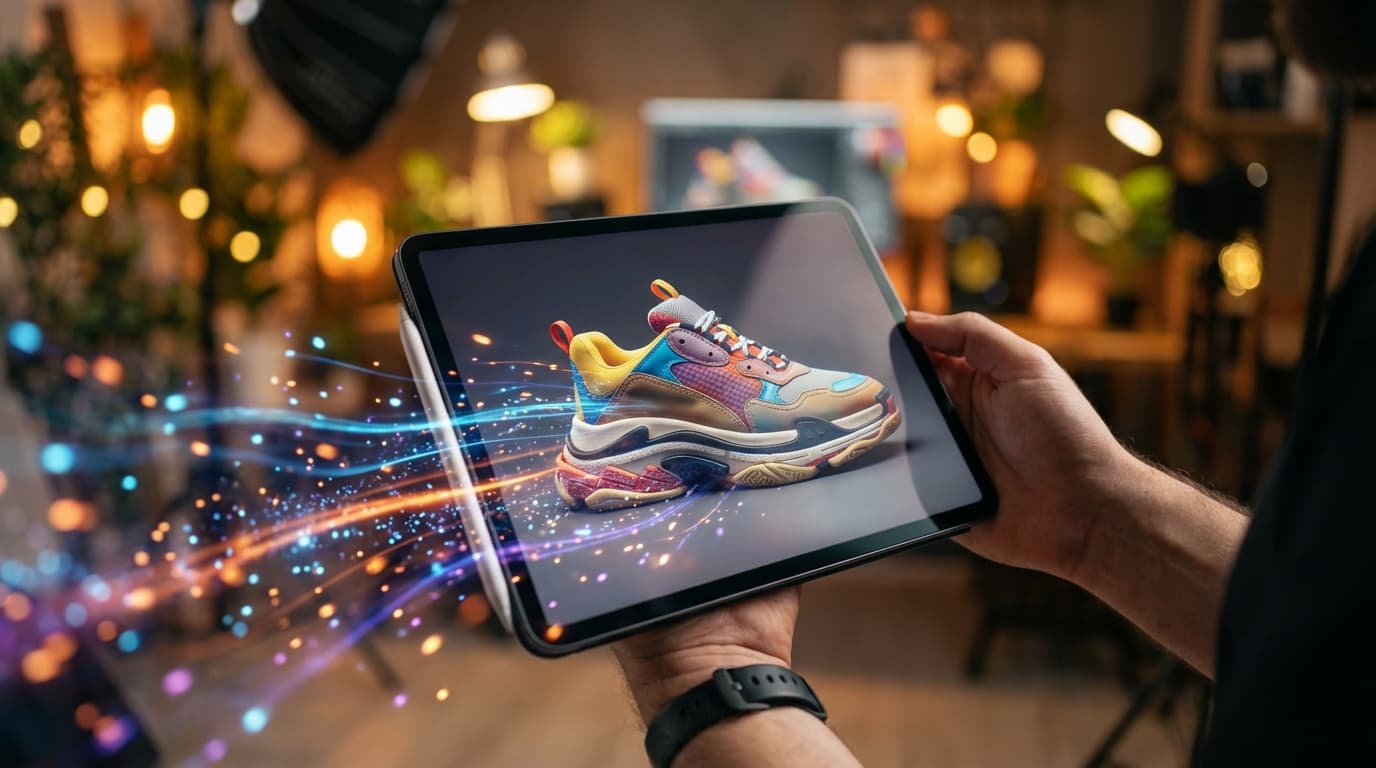
Product photography used to mean renting a studio, hiring a photographer, and spending hours on post-production. In 2026, AI image generators have completely changed the game. Whether you're a solo entrepreneur listing on Etsy or a brand scaling across Amazon and Shopify, you can now create studio-quality product photos in seconds — for a fraction of the cost.
This guide walks you through the entire process of creating professional AI product photos using Nano Banana 2, one of the fastest and most affordable AI image generators available today.
Why AI Product Photography Matters in 2026
E-commerce is more visual than ever. Listings with high-quality images convert 2-3x better than those with amateur shots. But traditional product photography costs $200-500 per session — and that's before retouching.
AI product photo generators solve this by letting you:
- Generate unlimited variations from a single text prompt
- Place products in any scene or background instantly
- Produce 4K-resolution images ready for print and web
- Skip the studio entirely — no camera, no lights, no editing software
Platforms like Nano Banana 2's AI Image Generator make this accessible to anyone, with images generated in 4-6 seconds at just $0.03 per image.
Step 1: Define Your Product and Scene
Before generating anything, get clear on what you need:
- Product type: cosmetics, electronics, food, jewelry, apparel, etc.
- Scene style: white background (Amazon-style), lifestyle setting, or flat lay
- Mood: minimal and clean, warm and cozy, bold and vibrant
- Angle: front-facing, 45-degree, overhead, or close-up detail shot
The more specific your vision, the better your AI prompt will perform. Think about where the final image will appear — a marketplace listing needs a clean white background, while a social media ad benefits from lifestyle context.
Step 2: Write an Effective Product Photo Prompt
This is where the magic happens. A well-crafted prompt is the difference between a generic render and a photo that looks professionally shot.
Here's a proven prompt structure for product photography:
[Product] on [surface/setting], [lighting style], [camera angle], [mood/style], product photography, 4K, high detail
For example:
A frosted glass perfume bottle on a white marble slab, soft natural window light from the left, 45-degree angle, minimalist luxury aesthetic, product photography, 4K, high detail
Tips for better prompts:
- Always specify the lighting direction and type (natural, studio, rim light)
- Mention the surface material (marble, wood, fabric, concrete)
- Include "product photography" and "4K" to guide the model toward commercial quality
- Add style keywords like "editorial," "minimalist," or "lifestyle" to set the tone
Step 3: Generate Your Product Photos with Nano Banana 2
Head to Nano Banana 2 and open the AI Image Generator. Here's how to get the best results:
- Paste your prompt into the text input field
- Select your model — Nano Banana 2 offers 4 Google AI models; for product photography, the default model delivers the sharpest detail
- Set resolution — choose 4K for marketplace listings or print materials
- Generate — your image will be ready in 4-6 seconds
The cost is just $0.03 per generation, so don't hesitate to iterate. Try 5-10 variations with slightly different prompts to find the perfect shot.
Step 4: Prompt Templates for Common Product Categories
Here are ready-to-use prompts for popular product types:
Skincare and Cosmetics
A matte black skincare serum bottle with gold cap, placed on a wet stone surface with green fern leaves in the background, soft diffused daylight, front-facing shot, clean luxury aesthetic, product photography, 4K
Electronics
A pair of wireless earbuds in an open charging case on a dark slate desk, cool blue ambient lighting with a subtle reflection, overhead angle, tech-minimal style, product photography, 4K
Food and Beverage
A jar of organic honey with a wooden dipper, placed on a rustic wooden cutting board with scattered lavender sprigs, warm golden hour sunlight from the right, 45-degree angle, artisan food photography, 4K
Jewelry
A delicate gold chain necklace draped over a smooth white ceramic dish, soft studio lighting with gentle shadows, close-up macro shot, editorial luxury style, product photography, 4K
Step 5: Optimize Your AI Product Photos for E-commerce
Once you've generated your images, a few quick optimizations make them marketplace-ready:
- White background versions: Most marketplaces (Amazon, eBay) require pure white backgrounds. Add "pure white background, no shadows" to your prompt for compliant shots
- Consistent lighting: Generate all product variants with the same lighting prompt to maintain a cohesive storefront look
- Multiple angles: Create front, side, and detail shots by changing only the angle keyword in your prompt
- Lifestyle context: For social ads, generate the same product in lifestyle scenes — "on a bathroom shelf," "in a woman's hand," "on a bedside table"
Step 6: Common Mistakes to Avoid
Even with AI, there are pitfalls that can make your product photos look off:
- Vague prompts — "a nice photo of a bottle" won't cut it. Be specific about materials, lighting, and composition
- Ignoring text rendering — Nano Banana 2 handles text on products accurately, but keep label text short and clear in your prompt
- Over-processing — resist the urge to add too many style keywords. Two or three style descriptors are enough
- Wrong aspect ratio — square (1:1) for Instagram, 4:3 for marketplace listings, 16:9 for website banners
AI Product Photography vs Traditional: Quick Comparison
| Factor | Traditional Photography | AI with Nano Banana 2 |
|---|---|---|
| Cost per image | $20-50+ | $0.03 |
| Time per shot | 15-30 minutes | 4-6 seconds |
| Resolution | Varies by camera | Up to 4K |
| Variations | Reshoot required | Unlimited via prompts |
| Background changes | Post-production editing | One prompt change |
| Skill required | High (camera + editing) | Low (prompt writing) |
Start Creating Product Photos Today
AI product photography isn't a future trend — it's the standard for smart e-commerce sellers in 2026. With tools like Nano Banana 2, you can generate professional, 4K product images in seconds without touching a camera.
Head to the AI Image Generator, paste one of the prompt templates above, and see the results for yourself. At $0.03 per image, there's no reason not to experiment.