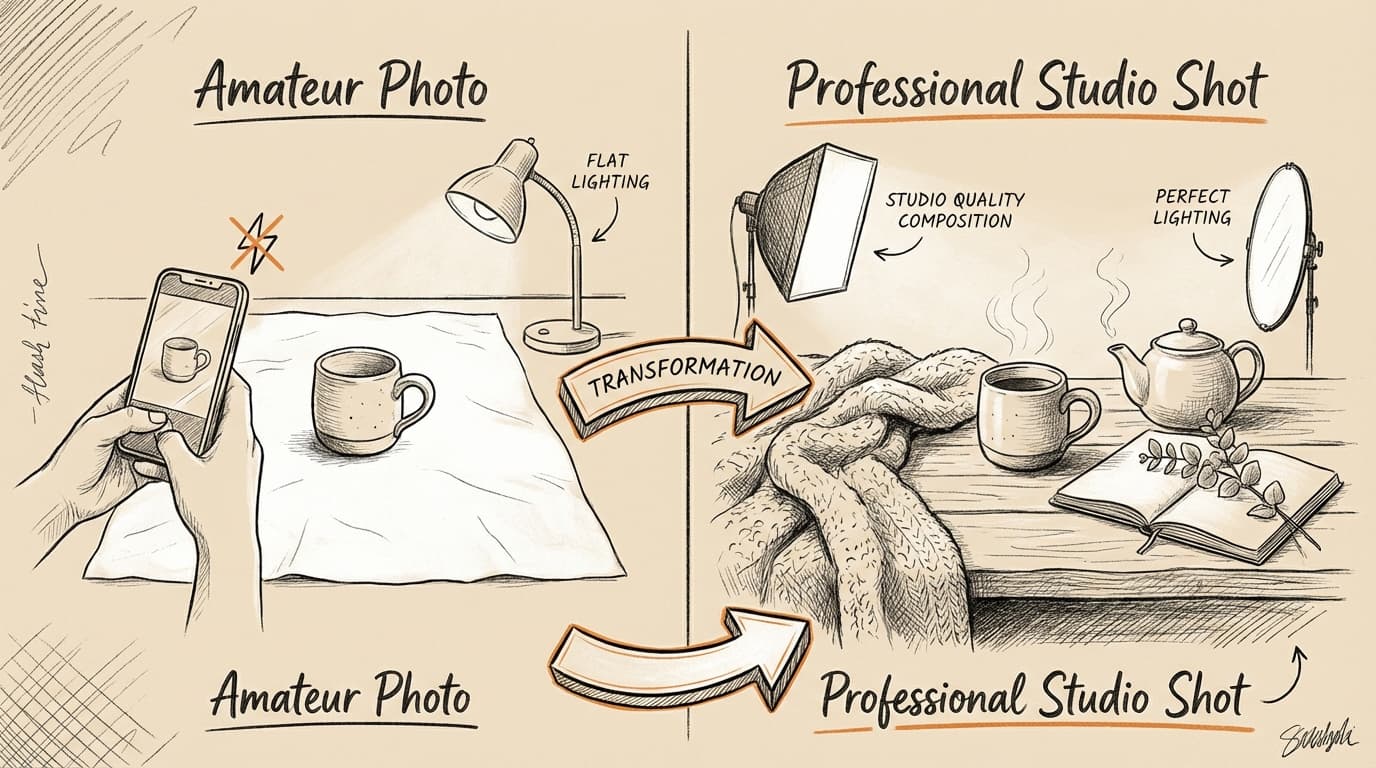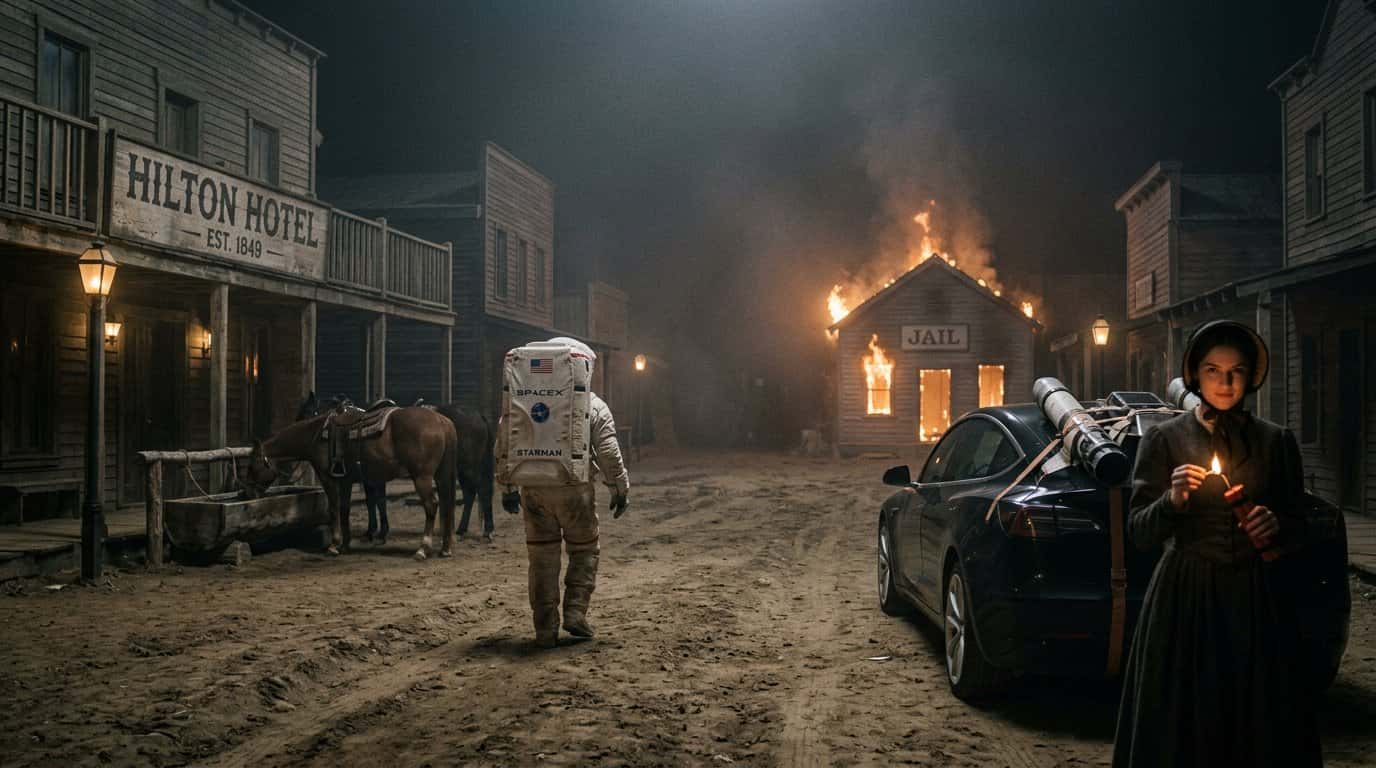
If you're new to AI image generation, the sheer number of tools available in 2026 can feel overwhelming. Some require technical knowledge, others cost hundreds per month, and many produce inconsistent results.
This guide cuts through the noise. I've tested dozens of AI image generators and identified 6 that are genuinely beginner-friendly — tools that deliver professional results without a steep learning curve.
What Makes an AI Image Generator Beginner-Friendly?
Before diving into the list, here's what separates beginner-friendly tools from the rest:
- Simple interface: No need to learn complex parameters or technical jargon
- Consistent quality: Reliable results without endless prompt tweaking
- Free tier or trial: Ability to test before committing to a paid plan
- Fast generation: Results in seconds, not minutes
- Clear pricing: No hidden costs or confusing credit systems
Now let's look at the tools that check these boxes.
1. Nano Banana 2 — Best for 4K Quality
Nano Banana 2 is built on Google's latest image model and stands out for its combination of quality and simplicity.
Why it's beginner-friendly:
- Clean interface with no overwhelming options
- 4-6 second generation time
- 4K resolution output (rare at this price point)
- Free credits on signup — no payment required to start
- Accurate text rendering in images
Pricing: $0.03 per image after free credits
Best for: Product mockups, social media graphics, marketing materials
Example prompt:
"Modern minimalist product photo of wireless earbuds on marble surface, soft studio lighting, 4K resolution, professional photography"
2. DALL-E 3 — Best for Natural Language Prompts
OpenAI's DALL-E 3 excels at understanding conversational prompts. You can describe what you want in plain English without learning prompt engineering.
Why it's beginner-friendly:
- Works with simple, natural language descriptions
- Integrated into ChatGPT (familiar interface for many users)
- Consistent style and quality
- Good at following complex instructions
Pricing: Included with ChatGPT Plus ($20/month)
Best for: Concept art, illustrations, creative projects
Example prompt:
"A cozy coffee shop interior with plants hanging from the ceiling, warm afternoon sunlight streaming through large windows"
3. Canva AI — Best for Social Media Content
Canva's AI image generator is built directly into their design platform, making it perfect for creating complete social media posts.
Why it's beginner-friendly:
- No separate tool to learn — works inside Canva
- Templates for every social platform
- One-click resizing for different formats
- Privacy-focused (doesn't train on your content)
Pricing: Free tier available, Pro starts at $12.99/month
Best for: Instagram posts, Facebook ads, Pinterest pins
4. Midjourney — Best for Artistic Quality
While Midjourney has a learning curve, version 6 introduced a simpler interface that makes it accessible to beginners who want gallery-quality results.
Why it's beginner-friendly (now):
- Web interface launched in 2025 (no more Discord-only)
- Improved prompt understanding
- Consistent aesthetic quality
- Active community with prompt examples
Pricing: Basic plan $10/month
Best for: Artistic images, book covers, album art
5. Adobe Firefly — Best for Commercial Use
Adobe Firefly is trained only on licensed content, making it the safest choice for commercial projects where copyright matters.
Why it's beginner-friendly:
- Built into Adobe Creative Cloud apps
- Clear commercial usage rights
- Simple text-to-image interface
- Integration with Photoshop for easy editing
Pricing: Included with Creative Cloud subscription, free tier available
Best for: Commercial projects, client work, brand assets
6. Leonardo AI — Best for Game Assets
Leonardo AI specializes in consistent character and asset generation, perfect for game developers and content creators who need matching styles.
Why it's beginner-friendly:
- Pre-made style presets
- Character consistency tools
- Free tier with daily credits
- Community prompt library
Pricing: Free tier available, paid plans from $10/month
Best for: Game assets, character design, consistent visual styles
How to Choose the Right Tool
Here's a quick decision framework:
If you need 4K quality fast → Nano Banana 2
If you want natural language prompts → DALL-E 3
If you're creating social content → Canva AI
If you want artistic quality → Midjourney
If you need commercial safety → Adobe Firefly
If you're making game assets → Leonardo AI
Common Beginner Mistakes to Avoid
Being too vague: "A nice landscape" produces generic results. Try "Mountain valley at sunset with purple wildflowers in foreground, dramatic clouds, cinematic lighting"
Ignoring aspect ratios: Most tools default to square. Specify your format: "16:9 for YouTube thumbnail" or "9:16 for Instagram Story"
Not iterating: Your first result won't be perfect. Refine your prompt based on what you see.
Forgetting style keywords: Add terms like "professional photography," "digital art," or "watercolor painting" to guide the aesthetic.
Tips for Better Results as a Beginner
- Start with examples: Look at community galleries to see what prompts produce good results
- Use descriptive adjectives: "Soft lighting" vs "harsh shadows" makes a huge difference
- Specify the medium: "Oil painting," "3D render," "photograph" sets the style
- Include composition notes: "Close-up," "wide angle," "bird's eye view"
- Test on free tiers first: Most tools offer free credits — use them to learn before paying
Why Nano Banana 2 Stands Out for Beginners
Among these options, Nano Banana 2 offers the best balance of simplicity and quality for newcomers:
- No learning curve: Simple prompt box, one button to generate
- Predictable costs: $0.03 per image (vs subscription fatigue)
- 4K output: Professional quality without professional complexity
- Fast results: 4-6 seconds means rapid iteration
- Free start: Credits on signup let you test risk-free
The interface doesn't overwhelm you with sliders, samplers, or CFG scales. You write what you want, click generate, and get 4K results in seconds.
Start Generating 4K Images for Free
Nano Banana 2 gives you free credits on signup — try all 4 Google AI models instantly. No payment required to start.