Finding a powerful AI image generator that doesn't require a credit card upfront can feel like searching for a needle in a haystack. Most platforms lock their best features behind paywalls or require payment details before you can even test the tool. But in 2026, several AI image generators offer genuinely free tiers with no strings attached — and some of them rival paid alternatives in quality.
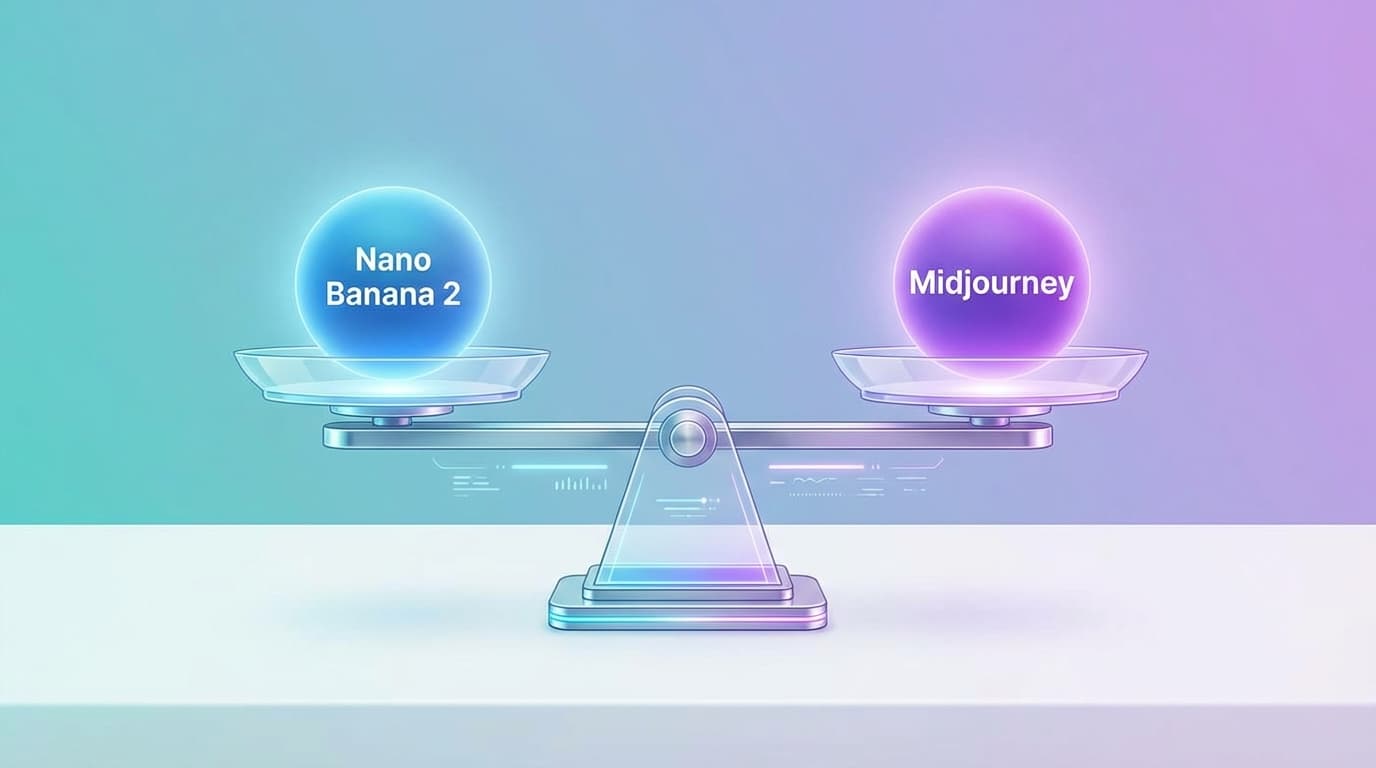
This guide covers 6 free AI image generators you can start using today, including Nano Banana 2, which gives you free credits on signup to try Google's latest image models.
What Makes a Free AI Image Generator Worth Using?
Not all "free" tools are created equal. Here's what separates the best from the rest:
- No credit card required: You can sign up and start generating immediately
- Decent credit allocation: Enough free credits to test the tool properly, not just 1-2 images
- Access to quality models: Free tier includes at least one competitive AI model
- 4K or high-resolution output: Images are usable for real projects, not just previews
- Commercial usage rights: You can use generated images in your work
The tools below meet all five criteria.
1. Nano Banana 2 — Best for 4K Resolution and Text Rendering
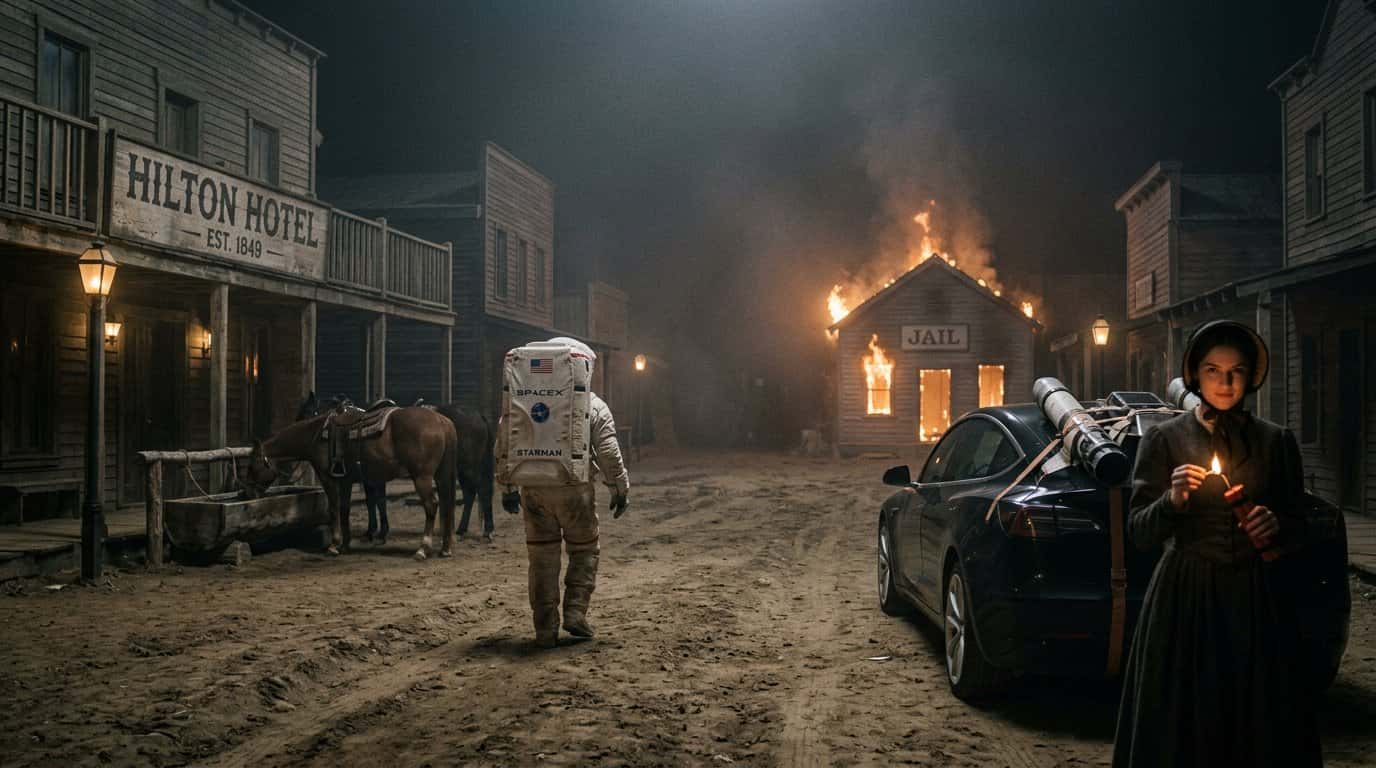
Nano Banana 2 is built on Google's Nano Banana 2 model and offers free credits on signup — no payment required.
What you get for free:
- Free credits to try all 4 Google AI models
- 4K resolution output (4096×4096)
- 4-6 second generation time
- Accurate text rendering in images
- No watermarks
Best for: Product mockups, social media graphics, and any project requiring sharp text in images.
Prompt example:
A minimalist product photo of a coffee mug on a wooden table, morning sunlight from the left, shallow depth of field, text on mug reads "Good Morning 2026", 4K resolution
Nano Banana 2 excels at rendering text clearly — a common pain point with older AI models. If your project involves logos, labels, or typography, this is your best free option.
2. Ideogram 2.0 — Best for Typography and Design
Ideogram 2.0 specializes in text-heavy designs and offers a free tier with daily credits.
What you get for free:
- 25 free prompts per day
- High-resolution output
- Magic Prompt feature (auto-enhances your prompts)
- Text rendering accuracy
Best for: Posters, social media graphics, and designs with embedded text.
Prompt example:
A vintage travel poster for Tokyo 2026, bold typography reading "TOKYO" at top, Mount Fuji in background, retro color palette with orange and teal, flat illustration style
Ideogram's strength is understanding design intent — it knows how to balance text and imagery without one overpowering the other.
3. FLUX.1 — Best Open-Source Option
FLUX.1 is an open-source model you can use through platforms like NightCafe, Tensor.Art, and the FLUX playground — all offer free tiers.
What you get for free:
- Multiple free generations per day (varies by platform)
- High-quality photorealistic output
- Fast generation speed
- Open-source flexibility
Best for: Photorealistic images, portraits, and creative experimentation.
Prompt example:
A close-up portrait of a woman in her 30s, natural lighting from a window, soft focus background, wearing a cream sweater, looking slightly to the left, photorealistic, 4K
FLUX.1 produces some of the most photorealistic results among free models. The open-source nature means you can run it locally if you have the hardware, or use free web platforms.
4. Canva AI — Best for Integrated Workflow
Canva's built-in AI image generator is free for all users and integrates directly into your design workflow.
What you get for free:
- Unlimited AI image generation (with Canva free account)
- Instant integration into Canva templates
- Multiple style presets
- Direct export to social media formats
Best for: Social media posts, presentations, and quick marketing graphics.
Prompt example:
A flat illustration of a home office setup, laptop on desk, plant in corner, warm color palette, minimalist style, suitable for Instagram post
Canva's advantage is workflow integration — generate an image and immediately drop it into a social post template without switching tools.
5. Microsoft Designer — Best for Quick Edits
Microsoft Designer offers free AI image generation with built-in editing tools.
What you get for free:
- 15 boosts per day (credits for AI features)
- Background removal
- Object eraser
- Template library
Best for: Product photos, profile pictures, and images that need quick touch-ups.
Prompt example:
A professional headshot of a man in business casual attire, neutral gray background, soft studio lighting, smiling, looking at camera
Designer's editing tools make it easy to refine AI-generated images — remove backgrounds, erase unwanted objects, or adjust lighting without leaving the platform.
6. Leonardo.AI — Best for Game Assets and Concept Art
Leonardo.AI offers a free tier focused on game design and concept art.
What you get for free:
- 150 tokens per day
- Multiple AI models (including SDXL and custom fine-tunes)
- Canvas editor for inpainting
- Upscaling tools
Best for: Game assets, character designs, and fantasy/sci-fi artwork.
Prompt example:
A fantasy character concept art, female warrior with silver armor, holding a glowing sword, dramatic lighting, detailed textures, digital painting style, 4K
Leonardo's free tier is generous compared to competitors, and the platform is optimized for iterative design work — perfect if you need to generate variations quickly.
How to Choose the Right Free AI Image Generator
Your choice depends on your specific needs:
- Need 4K resolution and text accuracy? → Nano Banana 2
- Creating posters or graphics with text? → Ideogram 2.0
- Want photorealistic portraits? → FLUX.1
- Need workflow integration? → Canva AI
- Require editing tools? → Microsoft Designer
- Making game assets? → Leonardo.AI
Most creators use 2-3 tools depending on the project. For example, you might use Nano Banana 2 for product mockups (because of 4K output), Ideogram for social graphics (because of text rendering), and FLUX.1 for portraits.
Tips for Getting Better Results from Free AI Image Generators
Even with free tiers, you can produce professional-quality images by following these practices:
1. Be specific in prompts
Instead of "a cat," write "a tabby cat sitting on a windowsill, morning sunlight, shallow depth of field, 4K resolution."
2. Include style references
Add terms like "photorealistic," "flat illustration," "watercolor painting," or "3D render" to guide the aesthetic.
3. Specify lighting
Mention "soft studio lighting," "golden hour sunlight," or "dramatic side lighting" for better control.
4. Use aspect ratios strategically
- 16:9 for YouTube thumbnails and presentations
- 1:1 for Instagram posts
- 9:16 for Stories and Reels
5. Generate multiple variations
Free tiers usually allow several generations — use them to explore different angles or styles before settling on one.
Common Questions About Free AI Image Generators
Can I use free AI images commercially?
Most platforms allow commercial use, but check each tool's terms. Nano Banana 2, Ideogram, and FLUX.1 all permit commercial usage on free tiers.
Do free tiers have watermarks?
Nano Banana 2 and most modern tools don't add watermarks to free generations. Older platforms like some Stable Diffusion interfaces might.
How many images can I generate per day?
It varies: Nano Banana 2 gives you credits on signup, Ideogram offers 25 prompts daily, Leonardo.AI provides 150 tokens, and Canva has unlimited generations.
Will free tiers disappear?
Unlikely. Free tiers are how platforms acquire users. As long as the business model works, free access will remain — though credit amounts may adjust over time.
Start Generating 4K Images for Free
Nano Banana 2 gives you free credits on signup — try all 4 Google AI models instantly. No payment required to start.