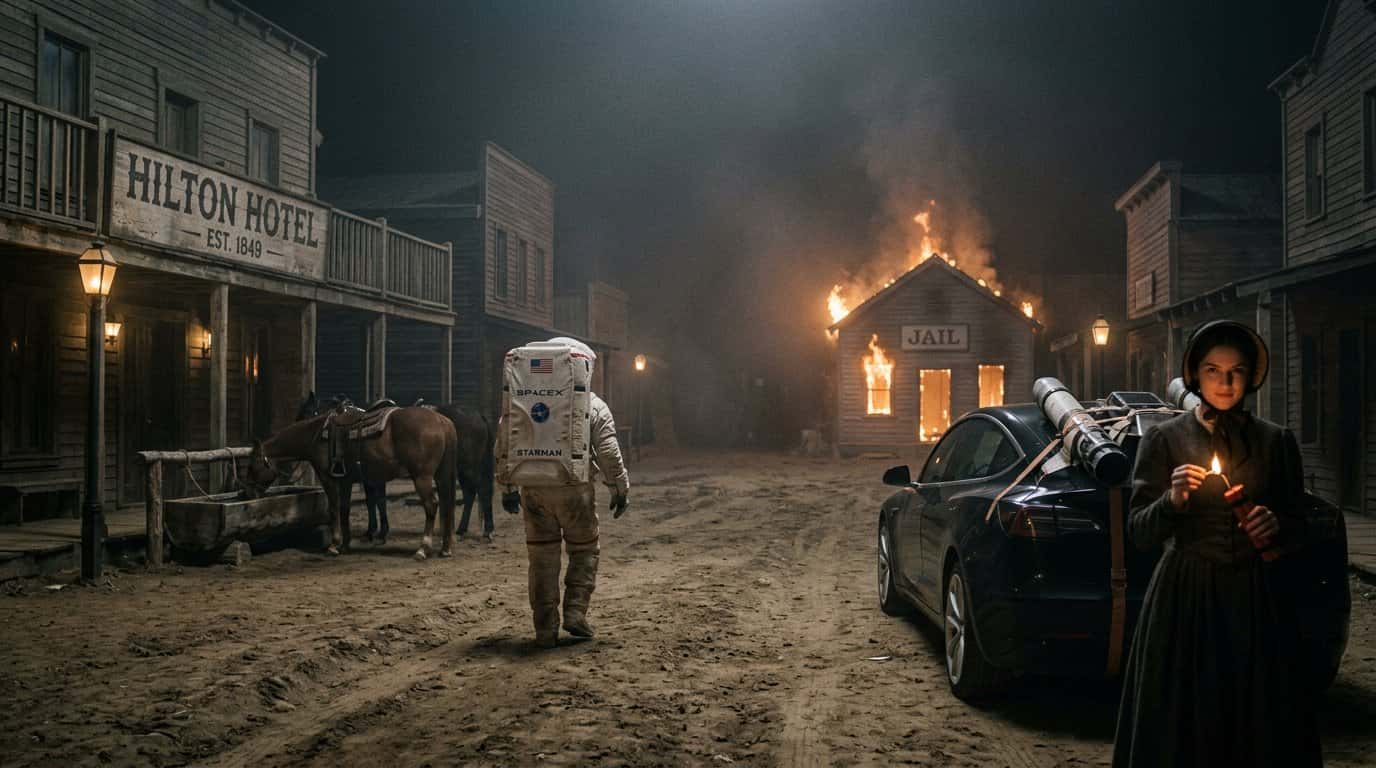

Product photography used to mean expensive studios. In 2026, AI tools like Nano Banana 2 create studio-quality shots in seconds—no camera needed.
Why Use AI for Product Photography?
Traditional photography costs $50-$500 per shot. AI generation costs $0.03 while delivering 4K resolution.
Nano Banana 2 specializes in photorealistic rendering with accurate text and reflections.
Step 1: Describe Your Product
Structure:
[Product] [material/color] [features], [setting], [lighting], [style]
Example:
Perfume bottle with gold cap, white marble surface, soft lighting, 4K
Step 2: Set the Scene
E-commerce:
Headphones in black, white background, even lighting
Lifestyle:
Headphones on desk with laptop, natural light, home office
Step 3: Control Lighting
- "soft box lighting" — professional
- "rim lighting" — dramatic
- "natural window light" — authentic
- "high key lighting" — bright
Step 4: Add Composition
- "overhead flat lay" — fashion
- "45-degree angle" — classic
- "eye level" — direct
- "macro close-up" — texture
Step 5: Specify Quality
- "4K resolution"
- "sharp focus"
- "professional product photography"
Common Scenarios
E-Commerce:
[Product], white background, even lighting, 4K
Social Media:
[Product] lifestyle setting, natural lighting, Instagram aesthetic
Tips
- Be specific: "brushed aluminum" beats "metal"
- Add "no unwanted reflections" for glossy items
- Test aspect ratios: 1:1 for Instagram, 16:9 for web
Why Nano Banana 2
Accurate text: Labels appear crisp.
Realistic materials: Correct reflections and textures.
4K resolution: 4096×4096 pixels.
Fast: 4-6 seconds per image.
At $0.03 per image, generate 100 shots for one studio session cost. View pricing.
Start Generating 4K Images for Free
Nano Banana 2 gives you free credits on signup—try all 4 Google AI models instantly.