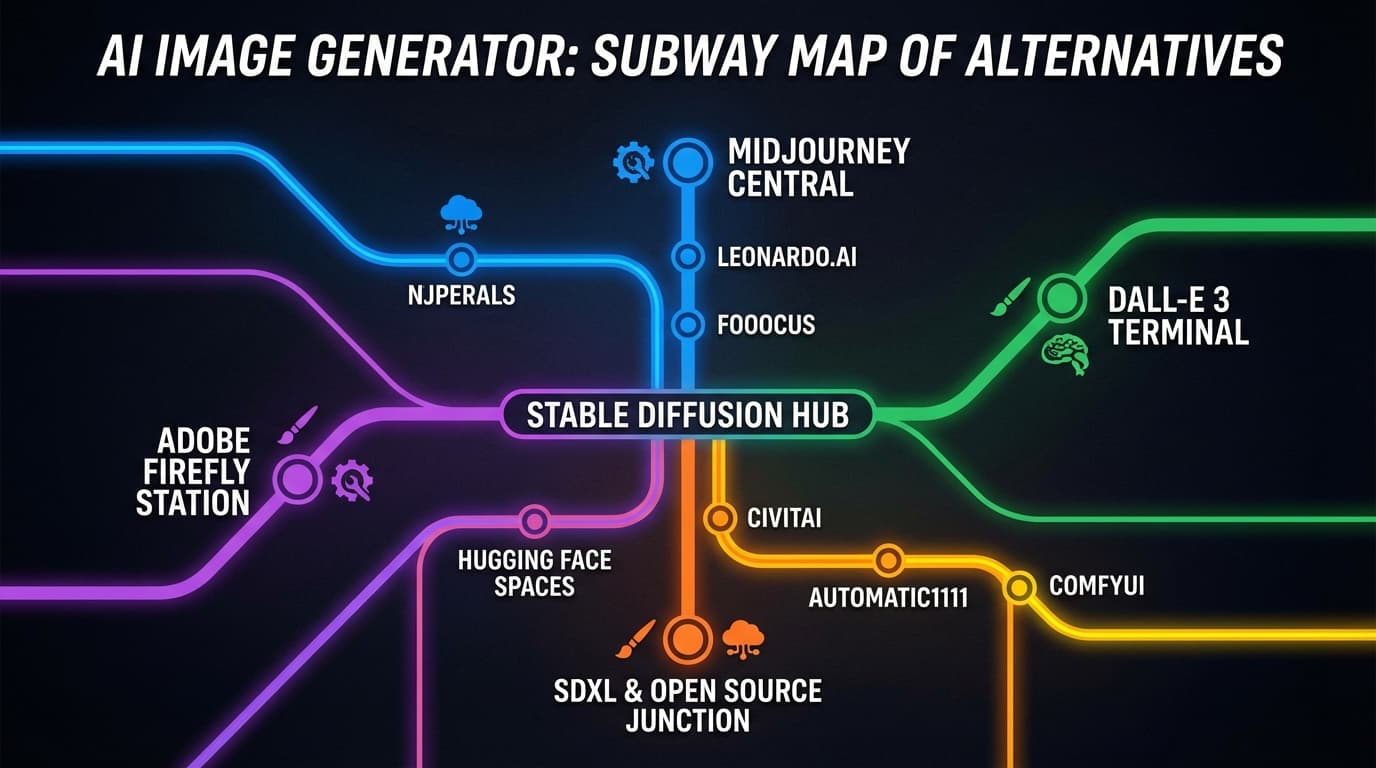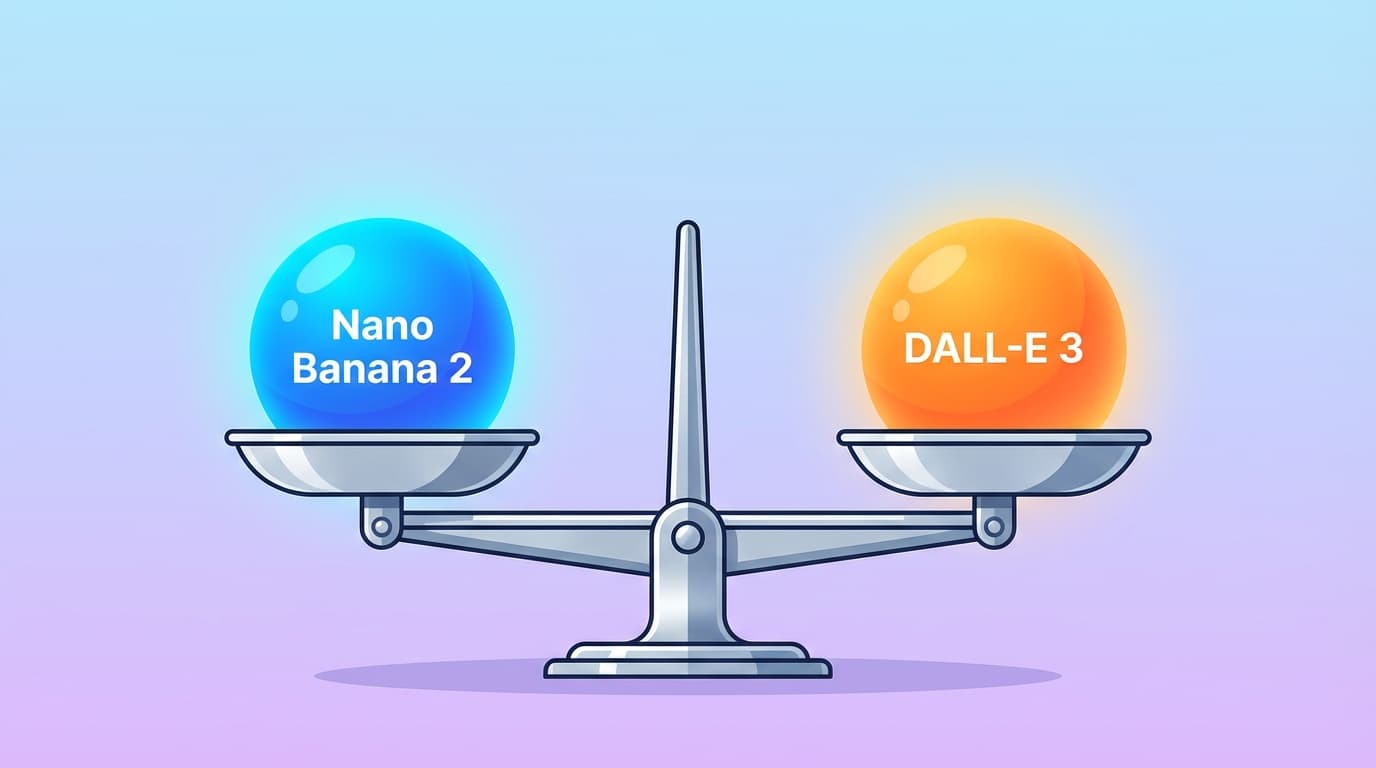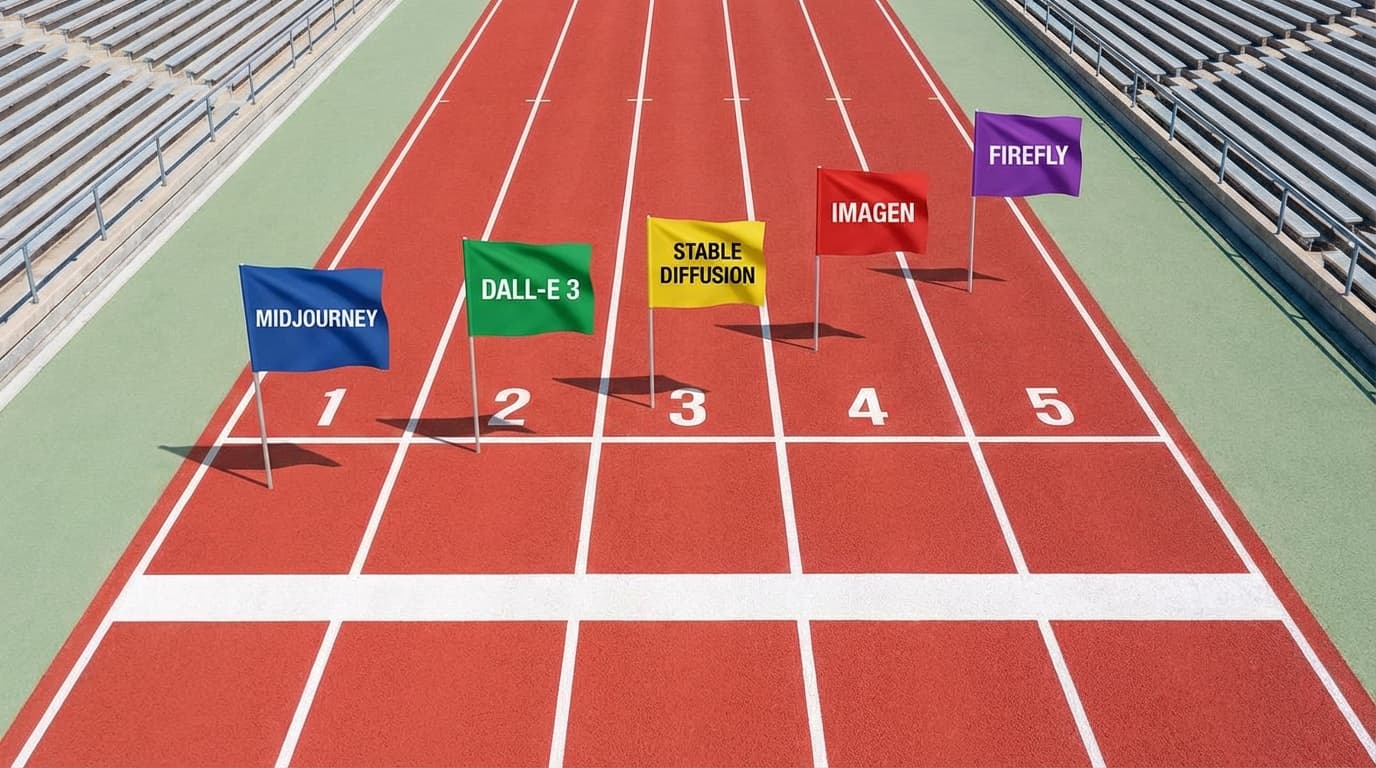

High-resolution AI image generation has become essential for professional work in 2026. Whether you're creating marketing materials, product mockups, or print-ready designs, 4K output ensures your visuals stay sharp across all platforms. Most AI image generators still cap at 1024×1024 or 2K, but a few now support true 4K resolution.
This guide covers the best AI image generators that deliver 4K output in 2026, comparing their speed, pricing, and real-world quality.
Why 4K Resolution Matters for AI Images
Standard AI image generators produce 1024×1024 or 1536×1536 outputs, which work fine for social media but fall short for:
- Print materials (posters, brochures, billboards)
- Product photography that needs zoom-in details
- Website hero images on high-DPI displays
- Video thumbnails that stay crisp at full screen
4K resolution (3840×2160 or higher) gives you the flexibility to crop, resize, and use images across multiple formats without quality loss.
Best AI Image Generators for 4K in 2026
1. Nano Banana 2
Nano Banana 2 is built specifically for high-resolution output, supporting true 4K generation across all 4 Google AI models.
Key features:
- Native 4K output (3840×2160)
- 4-6 second generation time
- Accurate text rendering in images
- $0.03 per image
- No watermarks on any plan
Best for: Product photography, marketing visuals, and any project requiring print-ready quality.
Pricing: Free credits on signup, then pay-as-you-go at $0.03/image.
2. Midjourney v7
Midjourney introduced 4K upscaling in v7, though it requires a two-step process: generate at base resolution, then upscale.
Key features:
- 4K upscaling available
- Strong artistic style control
- Active community and prompt library
- Requires Discord workflow
Limitations: Upscaling adds 20-30 seconds to generation time, and you pay for both the base image and upscale.
Pricing: $10/month for Basic (200 images), $30/month for Standard (unlimited relaxed mode).
3. DALL-E 3 via ChatGPT Plus
DALL-E 3 generates at 1024×1024 by default, but ChatGPT Plus users can request higher resolutions through extended prompts.
Key features:
- Integrated with ChatGPT for conversational refinement
- Strong prompt understanding
- Safe content filters
Limitations: True 4K requires workarounds, and generation can be slow during peak hours.
Pricing: $20/month for ChatGPT Plus (includes DALL-E 3 access).
4. Stable Diffusion XL with Upscalers
Stable Diffusion XL generates at 1024×1024, but you can chain it with upscaling models like Ultimate SD Upscale or ESRGAN to reach 4K.
Key features:
- Open-source and self-hostable
- Full control over models and parameters
- Free if you run locally
Limitations: Requires technical setup, and upscaling adds significant processing time (2-5 minutes total).
Pricing: Free (local), or $0.01-0.05/image on hosted services like Replicate.
5. Adobe Firefly
Adobe Firefly supports 2K output natively, with 4K available through Adobe's upscaling tools in Photoshop.
Key features:
- Commercially safe (trained on Adobe Stock)
- Integrated with Creative Cloud
- Strong style presets
Limitations: 4K requires Photoshop workflow, not direct generation.
Pricing: Included with Creative Cloud All Apps ($59.99/month), or standalone at $4.99/month (25 credits).
6. Leonardo.ai
Leonardo.ai offers 2K generation with optional upscaling to 4K through their "HD Upscale" feature.
Key features:
- Fast generation (3-8 seconds)
- Multiple model options
- Canvas editor for refinements
Limitations: HD Upscale costs extra tokens and adds processing time.
Pricing: Free tier (150 tokens/day), paid plans start at $12/month (8,500 tokens).
4K Generation Speed Comparison
| Tool | Base Generation | 4K Output Time | Total Time |
|---|---|---|---|
| Nano Banana 2 | 4-6 sec | Native 4K | 4-6 sec |
| Midjourney v7 | 30-60 sec | +20-30 sec upscale | 50-90 sec |
| DALL-E 3 | 10-20 sec | Workaround needed | 30-60 sec |
| Stable Diffusion XL | 5-15 sec | +60-180 sec upscale | 65-195 sec |
| Adobe Firefly | 8-15 sec | Photoshop upscale | 30-60 sec |
| Leonardo.ai | 3-8 sec | +10-20 sec upscale | 13-28 sec |
Nano Banana 2 is the only tool that generates 4K natively without upscaling steps.
How to Generate 4K Images with Nano Banana 2
Here's a step-by-step workflow for creating 4K images:
Step 1: Sign up and get free credits
Visit Nano Banana 2 and create an account. You'll receive free credits to test all 4 models.
Step 2: Choose your model
Select from 4 Google AI models based on your needs:
- Imagen 3 for photorealistic results
- Veo 2 for creative illustrations
- Gemini Flash for fast iterations
- Gemini Pro for complex compositions
Step 3: Write your prompt
Be specific about what you want. Example prompt:
"Product photography of a luxury watch on a marble surface, soft studio lighting from the left, shallow depth of field, 4K resolution, commercial quality"
Step 4: Generate and download
Click generate. Your 4K image (3840×2160) will be ready in 4-6 seconds with no watermarks.
Cost Comparison for 100 4K Images
| Tool | Cost per Image | Total for 100 Images | Notes |
|---|---|---|---|
| Nano Banana 2 | $0.03 | $3.00 | Native 4K |
| Midjourney | ~$0.15 | $15.00 | Base + upscale |
| DALL-E 3 | Included in $20/mo | $20.00 | Limited to subscription |
| Stable Diffusion | Free - $0.05 | $0 - $5.00 | Depends on hosting |
| Adobe Firefly | ~$0.20 | $20.00 | Requires Creative Cloud |
| Leonardo.ai | ~$0.10 | $10.00 | Token-based pricing |
For high-volume 4K generation, Nano Banana 2 offers the most cost-effective solution at $0.03 per image.
When You Actually Need 4K Resolution
Not every project requires 4K. Here's when it matters:
Use 4K when:
- Creating print materials (300 DPI at large sizes)
- Building product catalogs that need zoom functionality
- Generating hero images for high-resolution displays
- Producing assets for video production (4K timelines)
Standard resolution works fine for:
- Social media posts (Instagram, Twitter, Facebook)
- Blog featured images
- Email marketing graphics
- Quick mockups and drafts
If you're unsure, generate at 4K and downscale later. You can't add detail after the fact.
Start Generating 4K Images for Free
Nano Banana 2 gives you free credits on signup — try all 4 Google AI models instantly. No payment required to start.